Referral
How User Can Invite Friends & Earn Money
Step 1: Open the Referral Section
- Sign up in to the Car2Go Pro Rider or Rider app
- From the side menu, tap Referral Program (highlighted in red in the screenshot)
 |  |
Step 2: View Your Personal Referral Code & Link
You will see two things:
- Your Referral Code: e.g.,
RIDE-9AJN7236(easy to share verbally or via SMS) - Referral URL: Full link that automatically applies the code
Example:
https://car2gopro1b.appstick.com.bd/auth?role=dirver&directSignup=true&ref=RIDE-9AJN7236
Step 3: Share the Code/Link with Friends
Rider can:
- Tap the copy icon → code/link is copied
- Share directly via WhatsApp, Facebook, Instagram, SMS, Telegram, etc.
- Tell friends verbally: “Use my code RIDE-9AJN7236 when you sign up”
Step 4: Friend Signs Up Using Your Code/Link
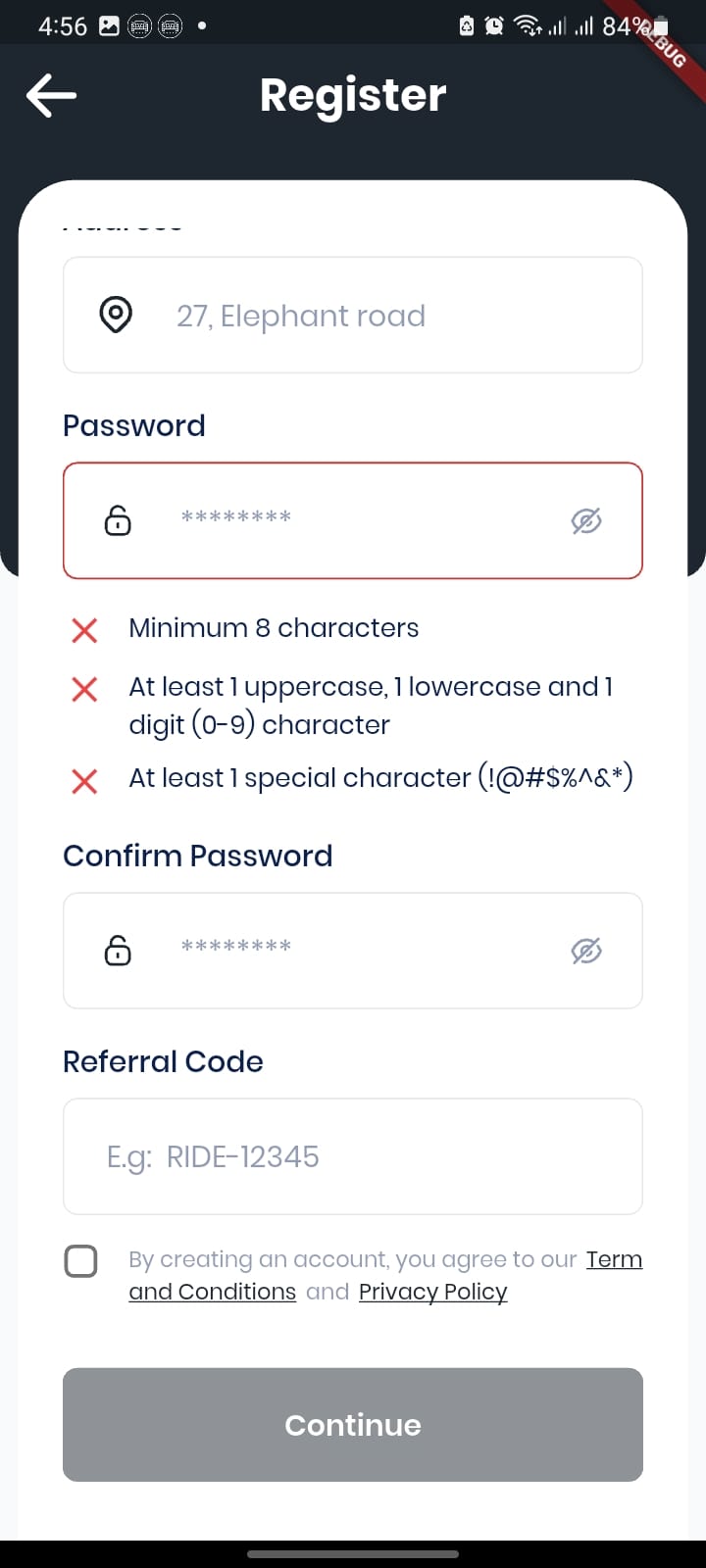
- New user must register using your exact code or link
- If they don’t use it during registration → no reward for anyone
Step 5: Friend Completes the Required Trips
- Usually 1–2 paid & successful trips (you decide the number in admin settings)
- Once completed, the status changes to “Completed” automatically
Step 6: Both of You Get the Reward
- Money is instantly added to the Wallet of both the inviter and the new user
- You can see the exact amount earned per referral under Earning Amount column
Step 7: Track Your Progress Inside the App
On the same Referral Program page the user can see:
- Total Referrals (how many people signed up with their code)
- Total Earning from referrals (e.g., $70 in the screenshot)
- Detailed Referral List showing:
- Name & email of each invited friend
- Status (Pending / Completed )
- Exact amount earned from that person (e.g., $30)
Summary Table for Documentation
| Step | Action by Existing User (Referrer) | Action by New User (Friend) | Result |
|---|---|---|---|
| 1 | Open → Referral Program | — | — |
| 2 | Copy code (e.g., RIDE-9AJN7236) or full link | — | — |
| 3 | Share with friends | — | — |
| 4 | — | Signs up using the code/link | Referral record created (status = Pending) |
| 5 | — | Completes required trips (usually 2) | Status → Completed |
| 6 | Reward automatically added to both wallets | Reward automatically added to wallet | Money appears instantly |
| 7 | Can view all earnings & list anytime | Can also see reward in their wallet | Full transparency |